


-
Fast and efficient automated sample transfer from tubes to plates with the ASSIST PLUS pipetting robot
Streamline your sample reformatting
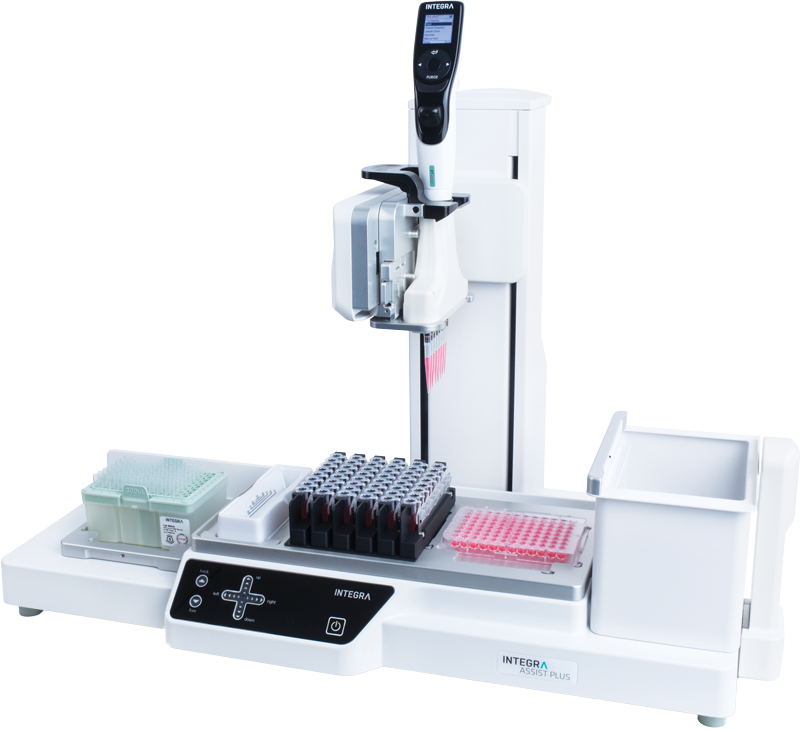
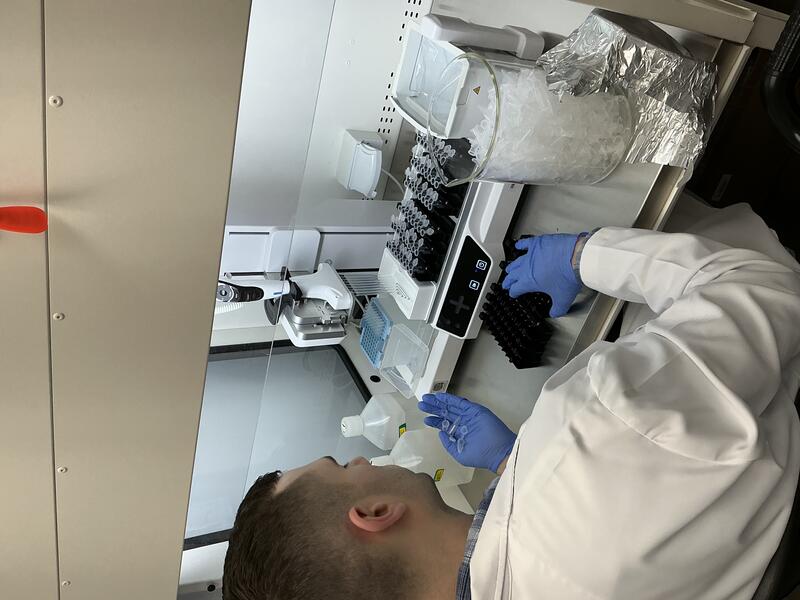
When processing samples in tubes, transfers are often performed manually with a single channel pipette. This is time consuming, error prone and draining for the operator. The ASSIST PLUS pipetting robot – in combination with a VOYAGER adjustable tip spacing pipette – provides a novel solution for accurate and efficient transfer of liquids to and from a variety of tube types. This unique pipetting robot provides all the benefits of the VOYAGER's adjustable tip spacing – reformatting samples from tube to plate up to 12 times faster compared to using a single channel pipette – as part of a walk-away, automated protocol.
-
Table of contents
When processing samples in tubes, transfers are often performed manually with a single channel pipette. This is time consuming, error prone and draining for the operator. The ASSIST PLUS pipetting robot – in combination with a VOYAGER adjustable tip spacing pipette – provides a novel solution for accurate and efficient transfer of liquids to and from a variety of tube types. This unique pipetting robot provides all the benefits of the VOYAGER's adjustable tip spacing – reformatting samples from tube to plate up to 12 times faster compared to using a single channel pipette – as part of a walk-away, automated protocol.
Key benefits
Overview: How to transfer samples from tubes faster
In this application note, we show six examples of different sample transfers from either tubes to a plate, or from tubes to tubes (See Figure 1):
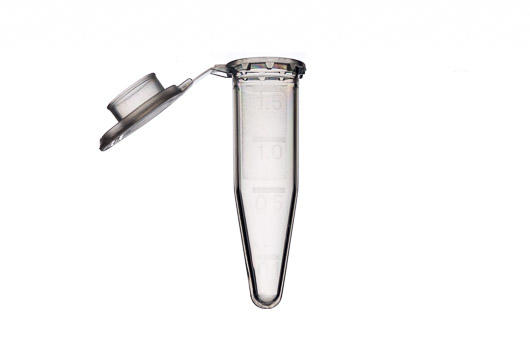
- Transfer from 0.5 ml microcentrifuge tubes to a 96 well plate.
- Transfer from 1.5 ml microcentrifuge tubes to HPLC vials.
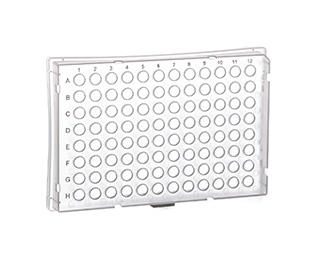
- Transfer from cryogenic vials to a 96 flat bottom plate.
- Transfer from swab tubes to 96 deep well plate.
- Transfer from test tubes to 96 deep well plate.
- Transfer from 15 ml centrifuge tubes to 96 deep well plate.
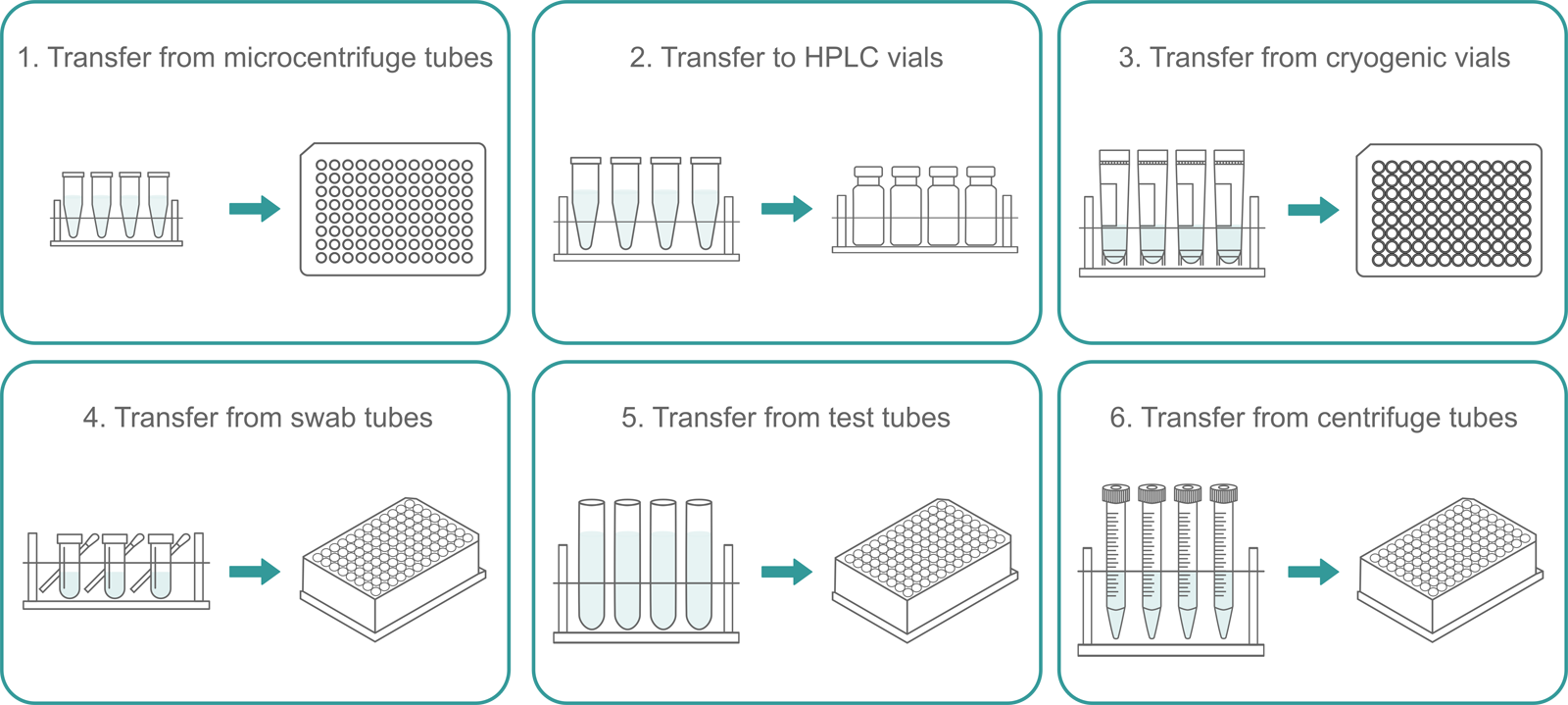
Downloads: App note and protocols for fast and efficient automated sample transfer from tubes to plates with the ASSIST PLUS pipetting robot
Here you can download the complete protocols used in this application and use them on your ASSIST PLUS. The protocol can be customized with the VIALAB software.
Step-by-Step Procedure:
1. Transfer from microcentrifuge tubes
Sample transfer for qPCR analysis from 0.5 ml microcentrifuge tubes to a 96 well PCR plate placed on a cooling block
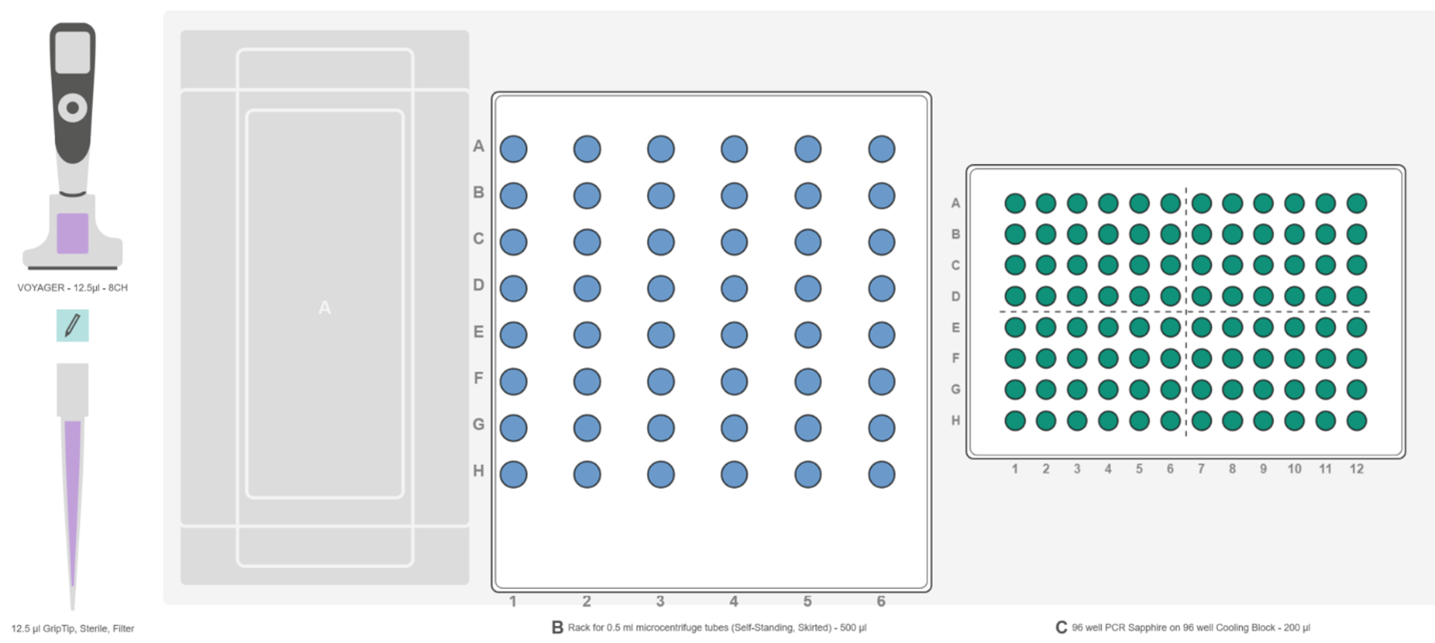
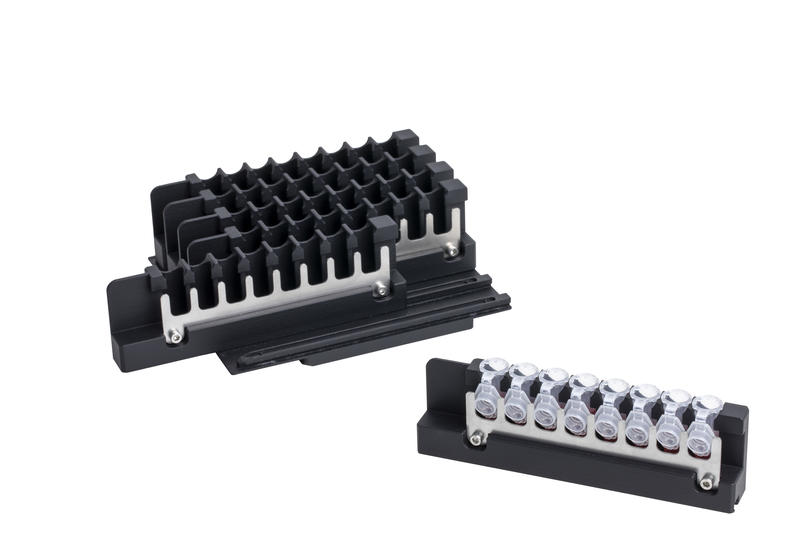
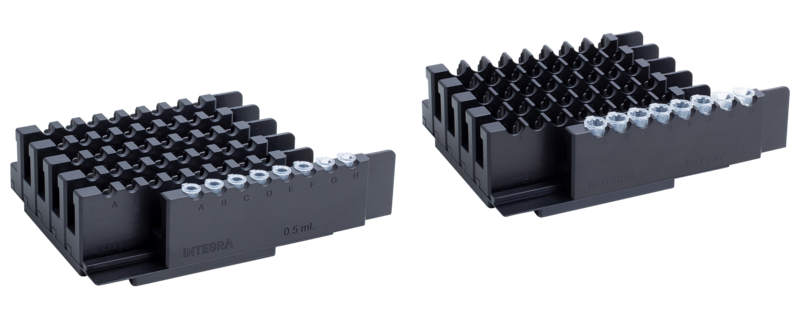
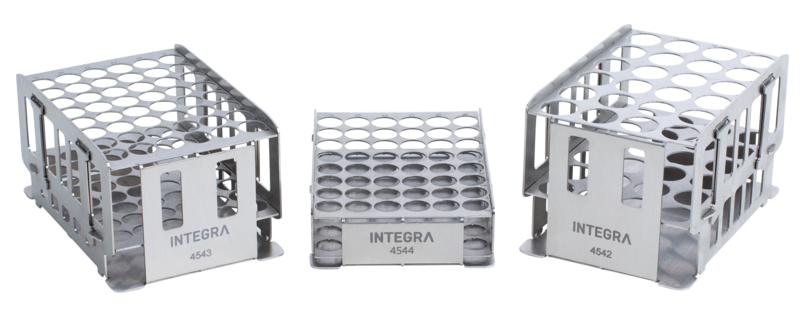
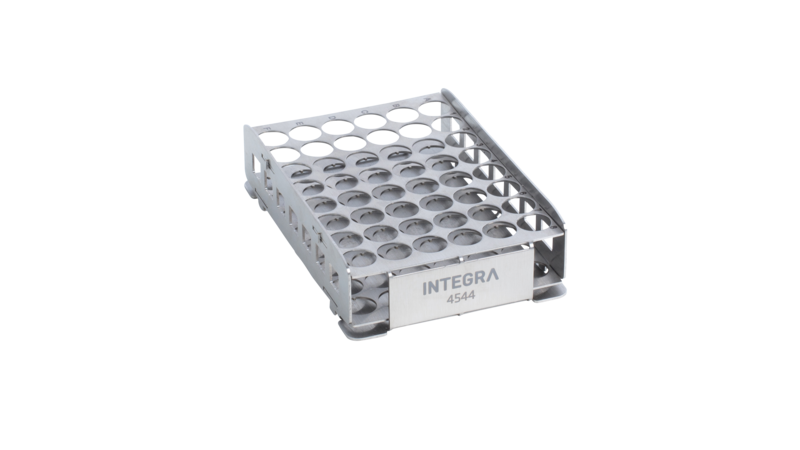
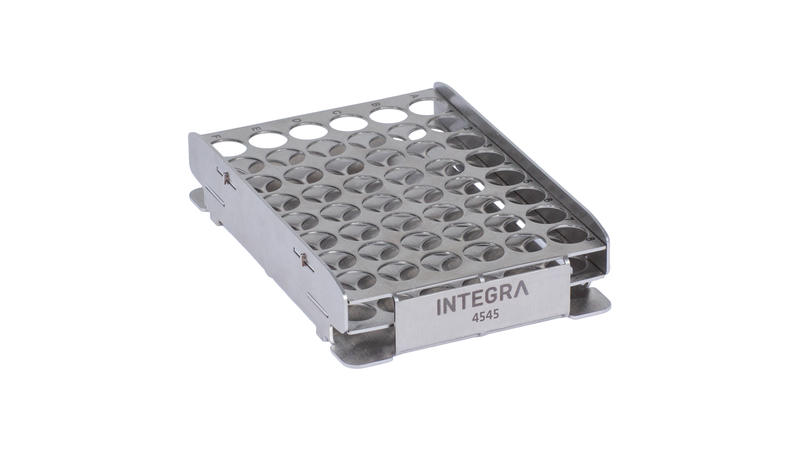
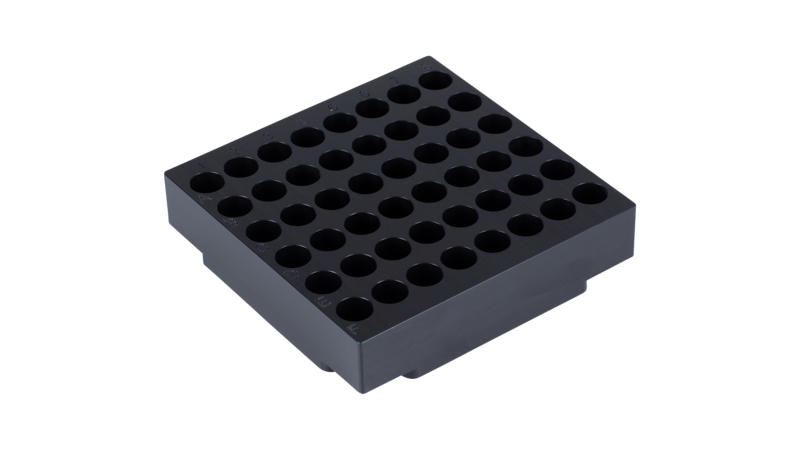
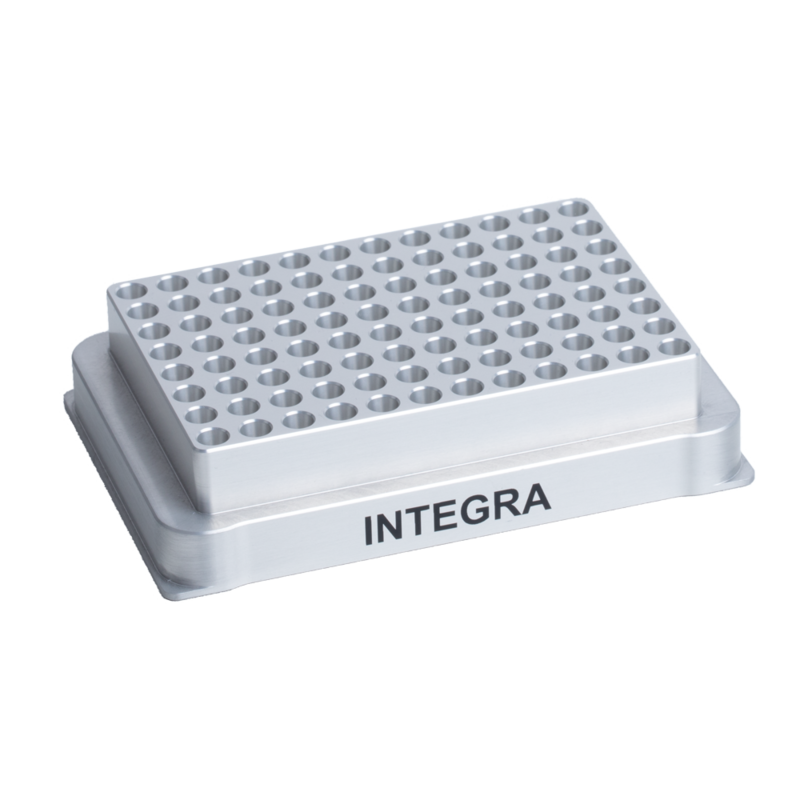
Place the INTEGRA rack for 0.5 ml microcentrifuge tubes on deck position B, and load with microcentrifuge tubes containing the samples for qPCR (Figure 2, blue). Next, place the INTEGRA cooling block on position C, and place a 96 well PCR plate with the qPCR master mixes onto the cooling block (Figure 2, green).
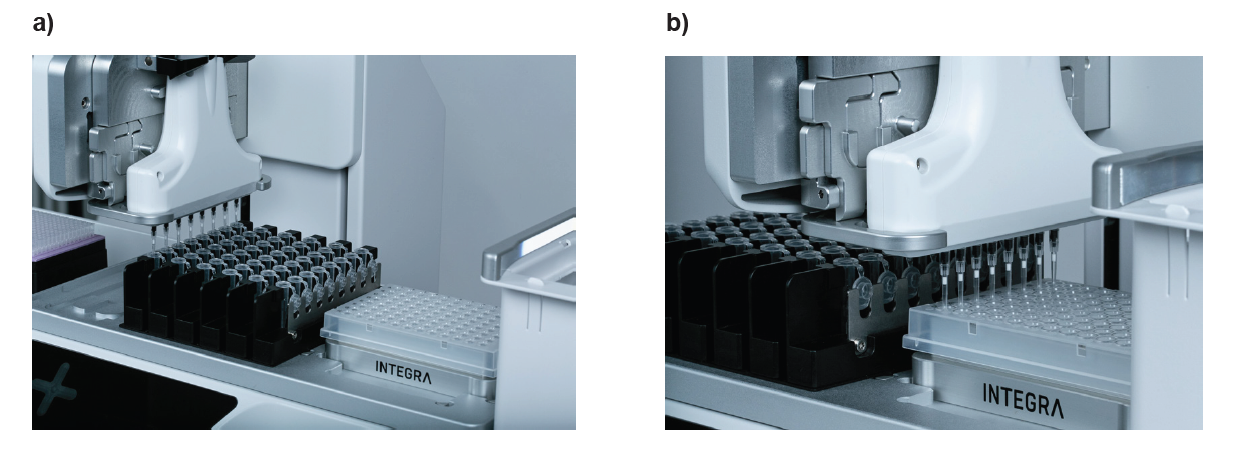
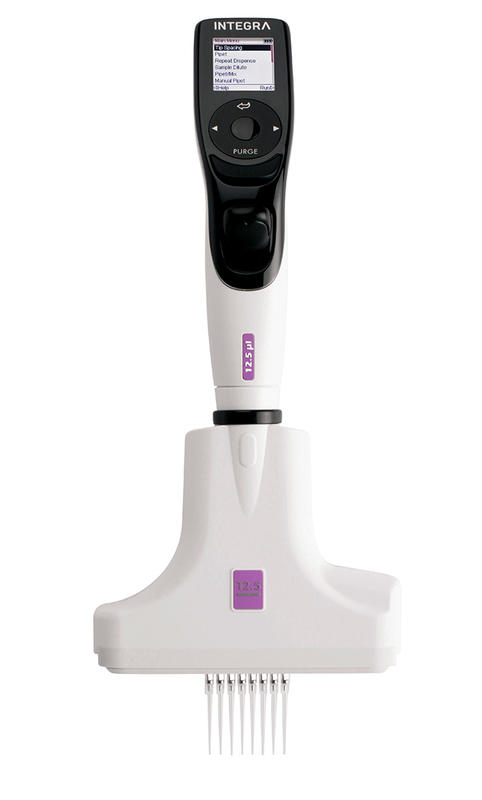
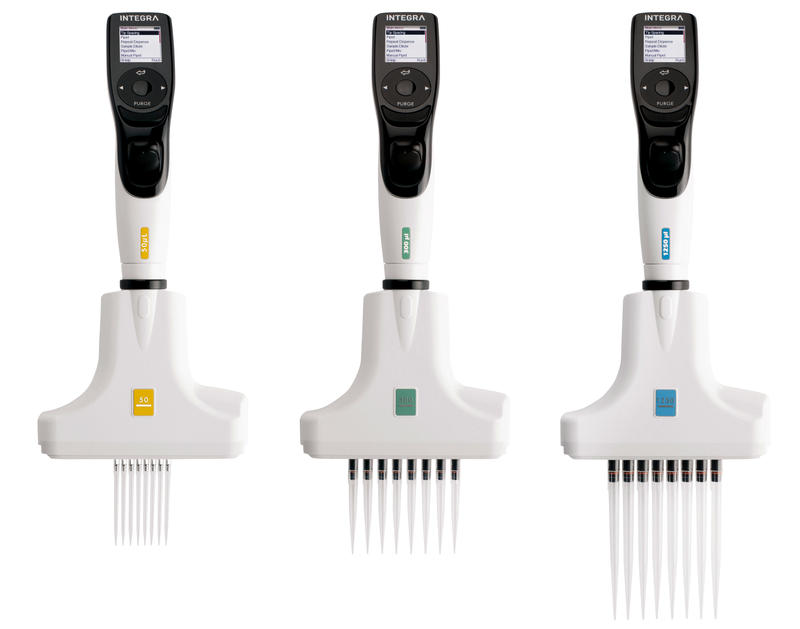
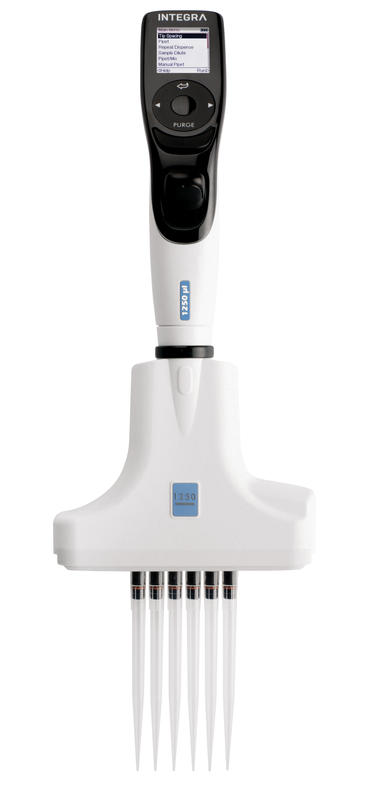
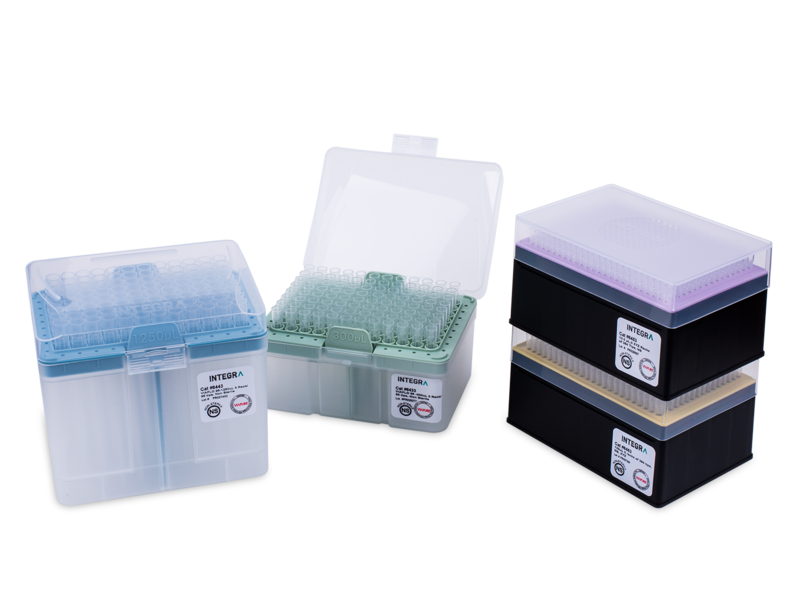
Select and run the VIALAB program 'Transfer_from_microcentrifuge_tubes' using an 8 channel 12.5 µl VOYAGER pipette equipped with 12.5 µl Sterile Filter GRIPTIPS. The pipette transfers eight 2.5 µl samples to the PCR plate in parallel. A 0.5 µl pre- and post-dispense ensures precision while pipetting, and the tips are automatically changed after each dispense to avoid cross contamination.
After completing the sixth dispense step, the ASSIST PLUS informs the operator to change the sample rack. With six further aspirations and dispenses, sample transfer into the 96 well PCR plate is complete.
Tip:
- The procedure parameters are easily modified in the VIALAB software as required. If the sample volume for qPCR is different, this can also be set up rapidly with ease.
2. Transfer to HPLC vials
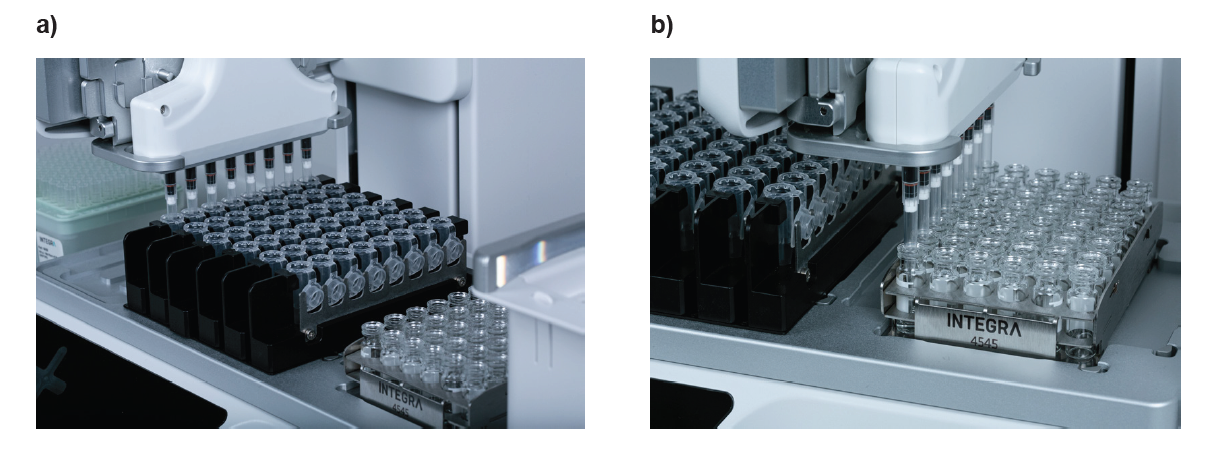
Sample transfer from 1.5 ml microcentrifuge tubes to HPLC vials
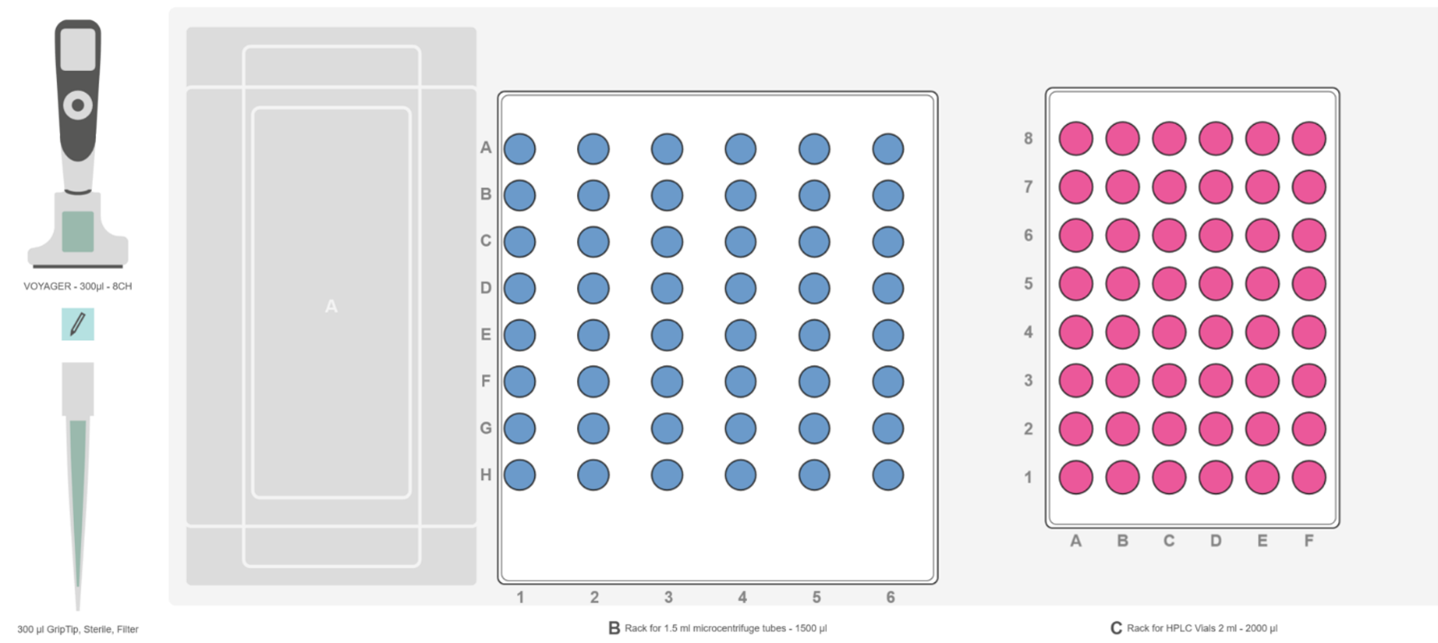
Place the INTEGRA rack for 1.5/2 ml microcentrifuge tubes on deck position B, then fill with sample tubes (Figure 4, blue). Next, place the INTEGRA rack for HPLC tubes on deck position C (Figure 4, magenta).
Select the VIALAB program 'Transfer_to_HPLC_vials' and press Run. Using an 8 channel 300 µl VOYAGER pipette with 300 µl Sterile Filter GRIPTIPS, the system transfers 200 µl samples from the microcentrifuge tubes to the HPLC tubes for analysis. A 15 μl pre- and post-dispense step is used to increase the accuracy and precision of pipetting.
Tip:
- The pre- and post-dispense volume should be 3-5 % of the nominal pipette tip volume.
3. Transfer from cryogenic vials
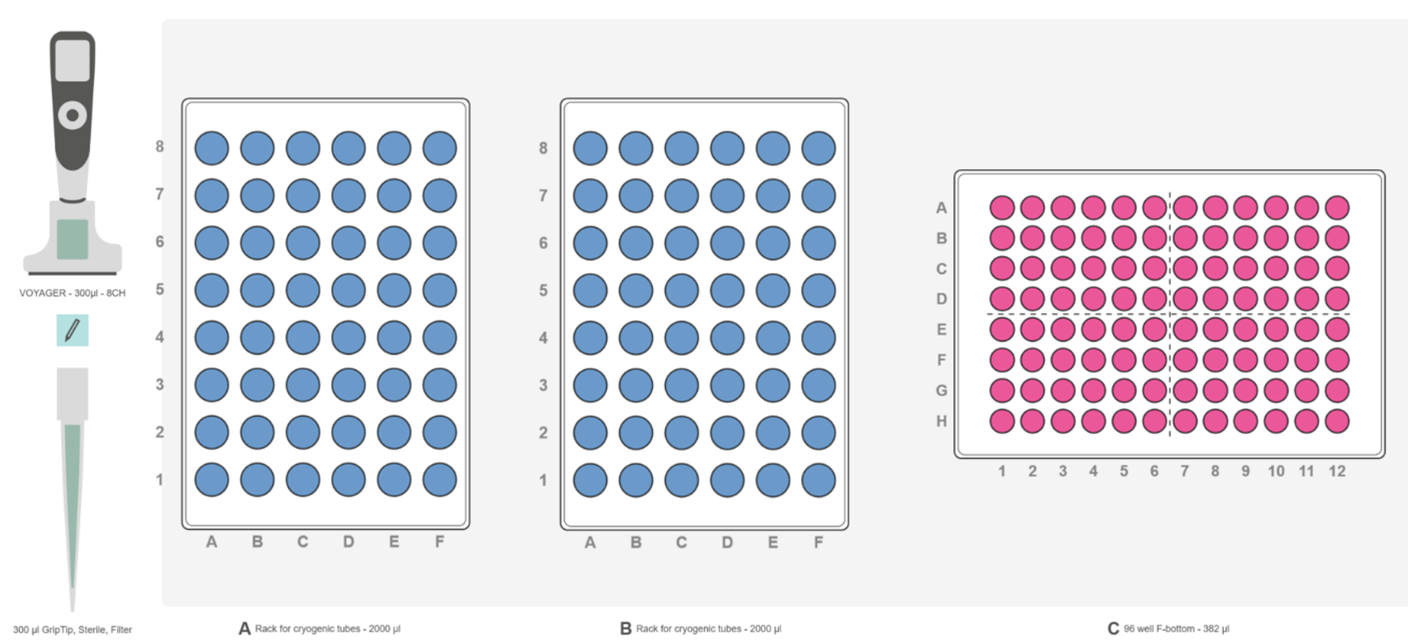
Sample transfer from cryogenic vials to a 96 well flat bottom plate
Place INTEGRA cryogenic vial racks containing the samples to be transferred for analysis on deck positions A and B (Figure 6, blue), then set a 96 well flat bottom plate on position C (Figure 6, magenta).
Select and run the VIALAB program 'Transfer from cryogenic vials' on the pipette. An 8 channel 300 µl VOYAGER pipette fitted with 300 µl Sterile Filter GRIPTIPS then transfers 200 µl samples from cryogenic tubes to 96 well flat bottom plate, changing the tips after each transfer. A 15 μl pre- and post-dispense step is included to increase the accuracy and precision of pipetting.
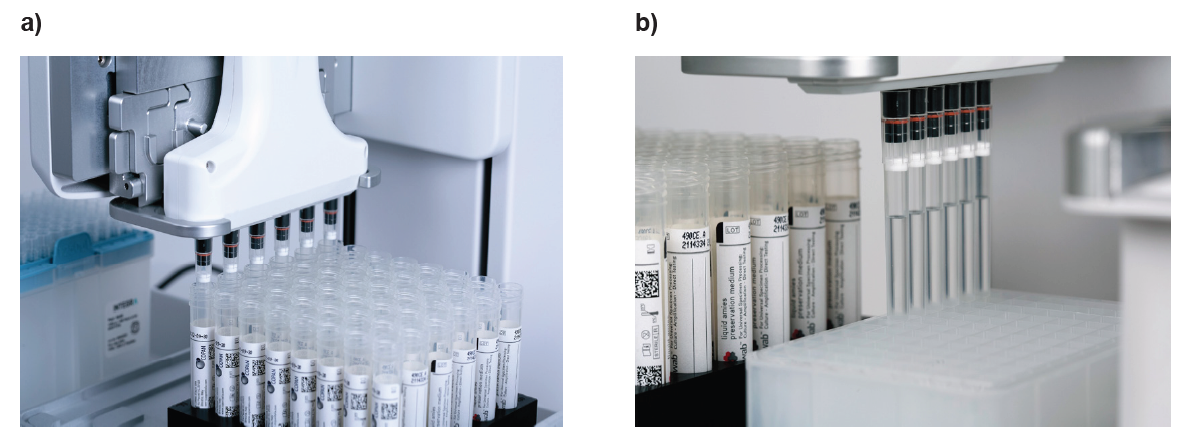
4. Transfer from swab tubes
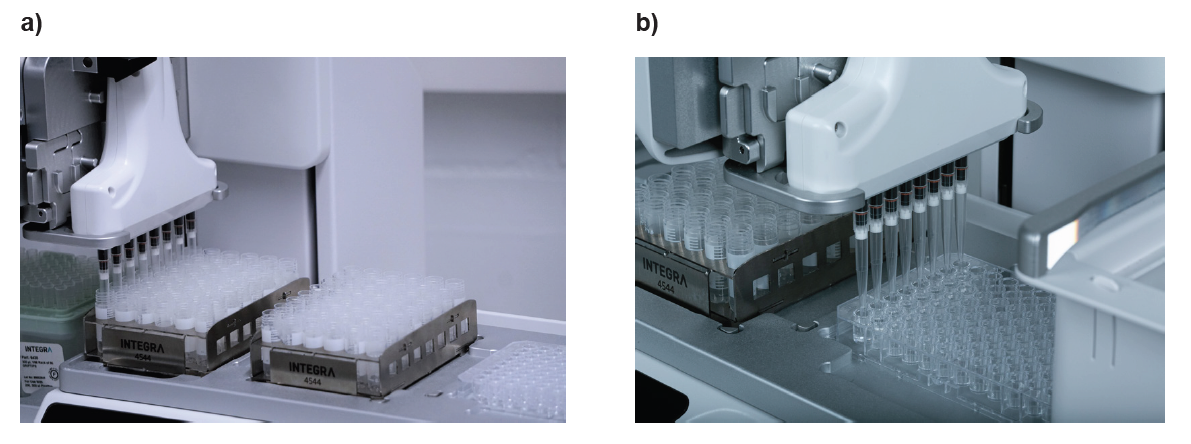
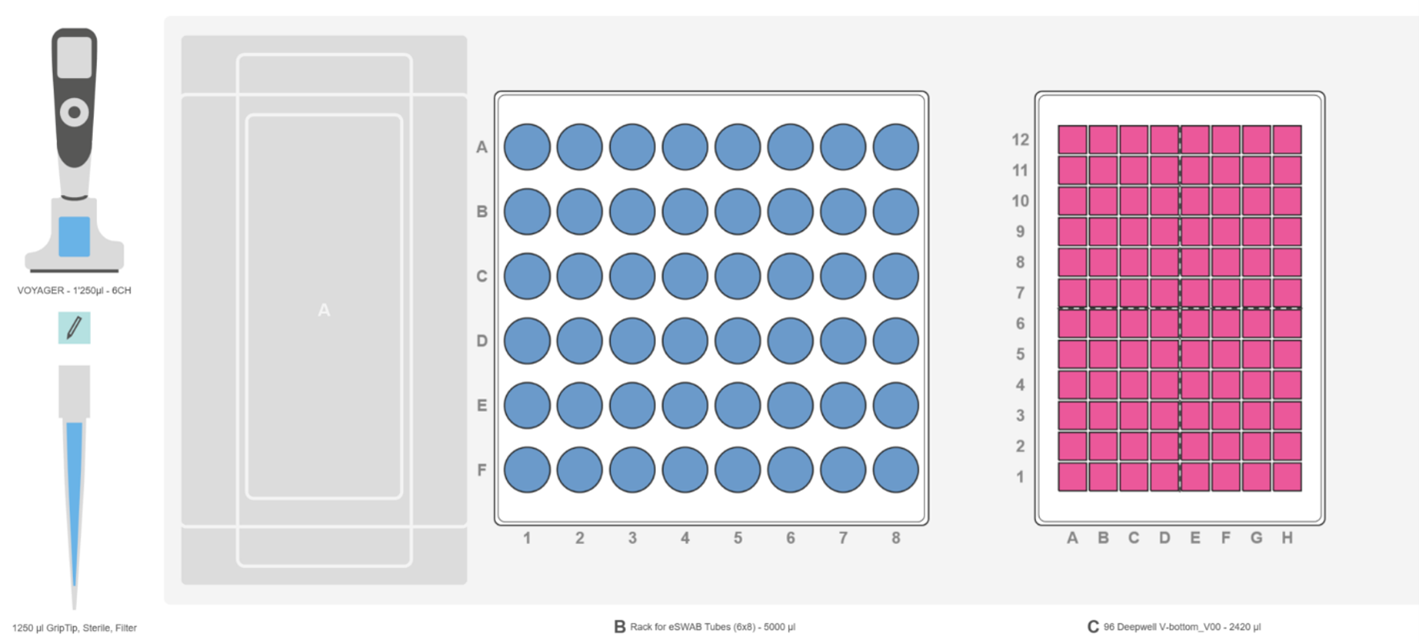
Sample transfer from swab tubes, to 96 deep well plate
First, place an INTEGRA swab tube rack containing the patient's samples on deck position B (Figure 8, blue) and an empty 96 deep well plate on deck position C (Figure 8, magenta).
Select and run the VIALAB program 'Transfer_from_swab_tubes'. A 6 channel 1250 µl VOYAGER pipette with 1250 µl Sterile Filter GRIPTIPS aspirates 1000 µl sample from the swab tubes, then dispenses into the 96 deep well plate. Tips are automatically changed between samples to avoid cross contamination. A 25 µl pre- and post-dispense is also set to ensure accurate and precise liquid handling, even if the preservation medium tends to form bubbles during pipetting. After filling the first six columns of the 96 deep well plate with samples, the pipette informs the operator to change the swab tube rack. The VOYAGER then continues to fill the second half of the 96 deep well plate with samples.
Tip:
- A 25 µl air gap has been set at the end of the aspiration to eliminate the risk of cross contamination.
5. Transfer from test tubes
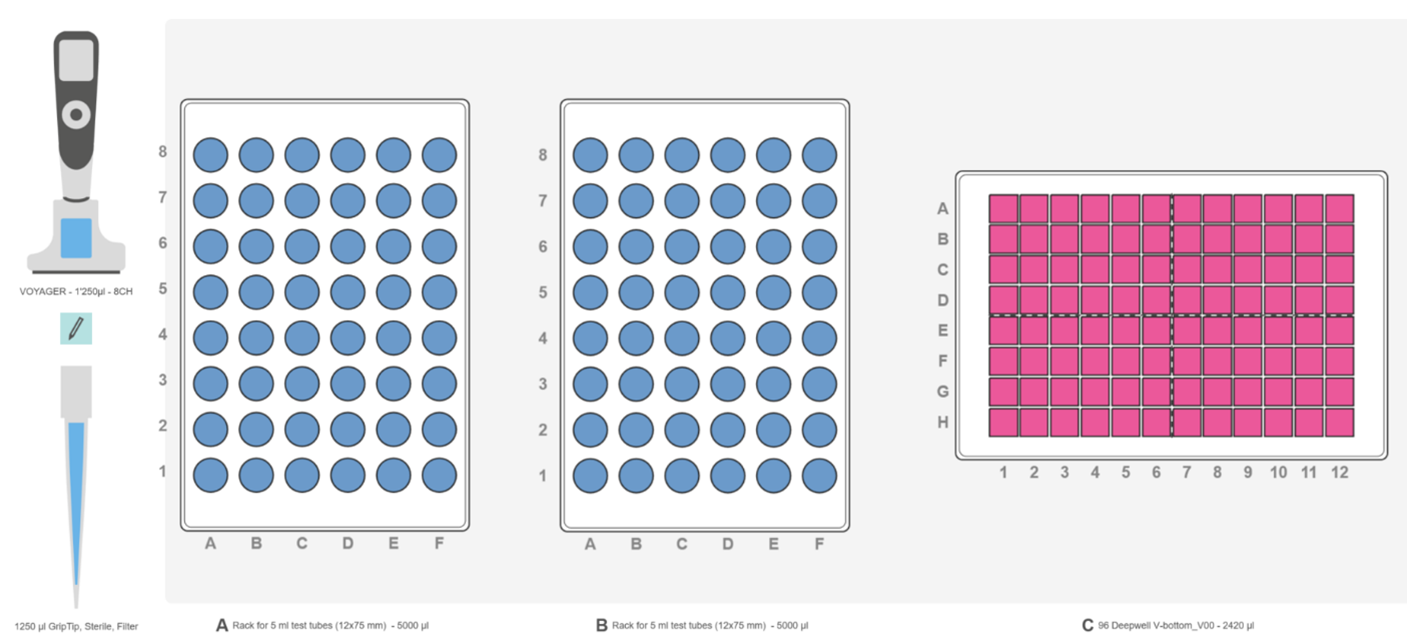
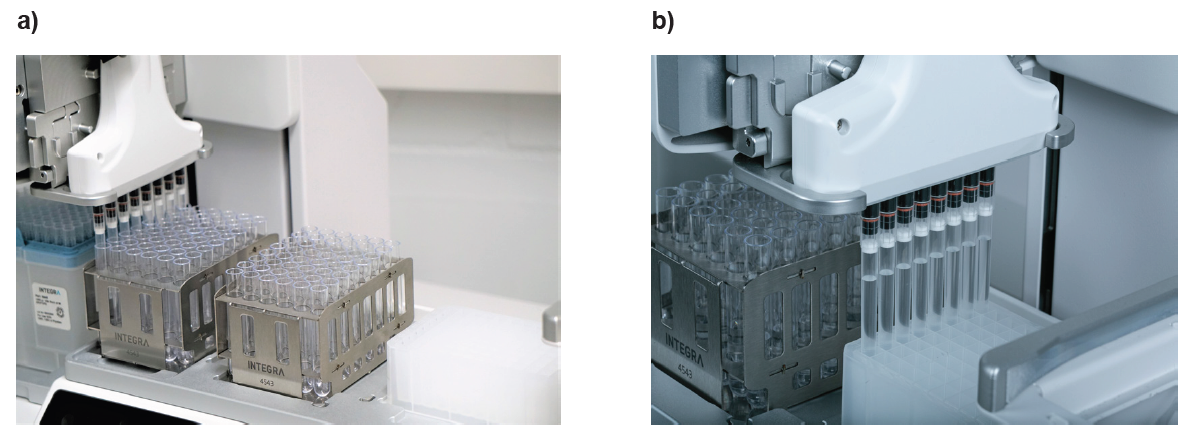
Sample transfer from 5 ml test tubes to a 96 deep well plate
First, put two INTEGRA 5 ml test tube racks with samples on deck positions A and B (Figure 10, blue), and an empty 96 deep well plate on position C (Figure 10, magenta). For this application, use an 8 channel 1250 µl VOYAGER pipette with 1250 µl Sterile Filter GRIPTIPS.
Select the custom VIALAB program 'Transfer_from_test_tubes' on the pipette, and press Run. The pipette transfers 1000 µl of each sample from the test tubes to the 96 deep well plate after mixing three times.
Tip:
- Proper mixing of samples prior to transfer can be critical for certain sample types. The mixing volume, speed and number of cycles can be easily set up in the VIALAB program.
6. Transfer from centrifuge tubes
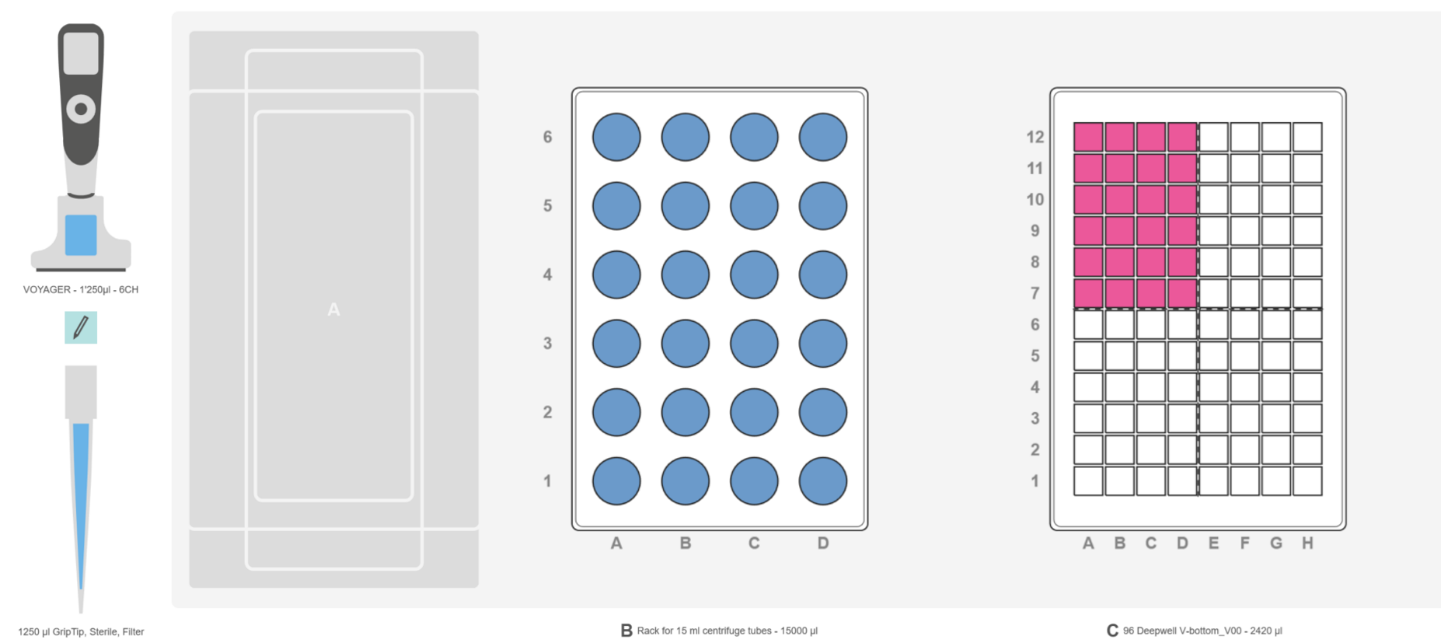
Sample transfer from 15 ml centrifuge tubes to a 96 deep well plate
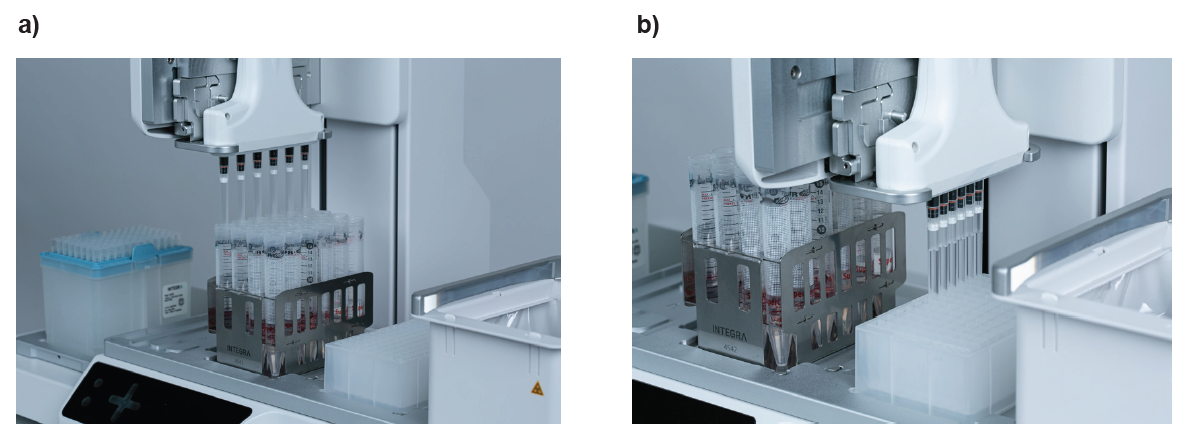
Equip the ASSIST PLUS with a 6 channel 1250 µl VOYAGER pipette using 1250 µl Sterile Filter GRIPTIPS. Place an INTEGRA 15 ml centrifuge tube rack on deck position B (Figure 12, blue), and load all the sample tubes into the rack. Place an empty 96 deep well plate, in portrait orientation, on deck position C (Figure 12, magenta).
Choose and run the VIALAB program 'Transfer_from_centrifuge_tubes' on the VOYAGER pipette. Samples in the centrifuge tubes are mixed three times, then 1000 μl of each sample is transferred to the deep well plate.
Tip:
- The tip travel function is used during the mixing steps to optimize tip immersion depth.
Remarks:
VIALAB software
The VIALAB programs can be easily adapted to your specific protocols.
Partial plates
Programs can be easily adapted to accommodate different number of samples, providing complete versatility to meet current and future laboratory workflow demands.
Conclusion
Related articles
Further reading:
Ask our expert. Leave a comment!
Write us if you have any questions regarding the application note or one of our instruments.
Any questions? I'm happy to help!
Instruments and accessories
ASSIST PLUS, Pipetting Robot
INTEGRA has developed the ASSIST PLUS pipetting robot to streamline routine pipetting tasks at an affordable price. Using INTEGRA electronic multichannel pipettes, the system:
- automates pipetting tasks,
- eliminates physical strain and
- ensures superior reproducibility and
- error free pipetting.
Part No. 4505
Download
Download App Note as PDF
DownloadFast and efficient automated sample transfer from tubes to plates with the ASSIST PLUS pipetting robot
Customer’s voice
The ASSISST PLUS is a valuable pipetting workstation that should be in every lab that values pipetting precision and accuracy. It's footprint and price makes it a great replacement for the standard rack of pipettes and allows analysts to devote more time to high value work and provides greater precision, accuracy, and consistency for repeated pipetting needs.
Related products
Applications
Show all-
Automated DNA extraction protocol to effortlessly isolate gDNA from blood
-
End-to-end Twist library preparation protocol for NGS workflow automation
-
A simple and streamlined workflow for membrane protein isolation
-
Streamlining single-cell sequencing with the Flex Apex workflow using automated liquid handling solutions
Stories
Show all-
 · Product News
Take the pain out of PCR – strategies for straightforward set-up
-
 · Company News
Streamlining CRISPR workflows, from editing to analysis
-
 · Customer Testimonial
Enhancing the consistency of ag-tech R&D processes with the ASSIST PLUS pipetting robot
-
 · Product News
Magnetic beads represent a modern approach to gDNA isolation