


-
Efficient two-way sample pooling automated with the ASSIST PLUS
How to minimize the number of samples that have to be confirmatory tested by a smart sample pooling approach
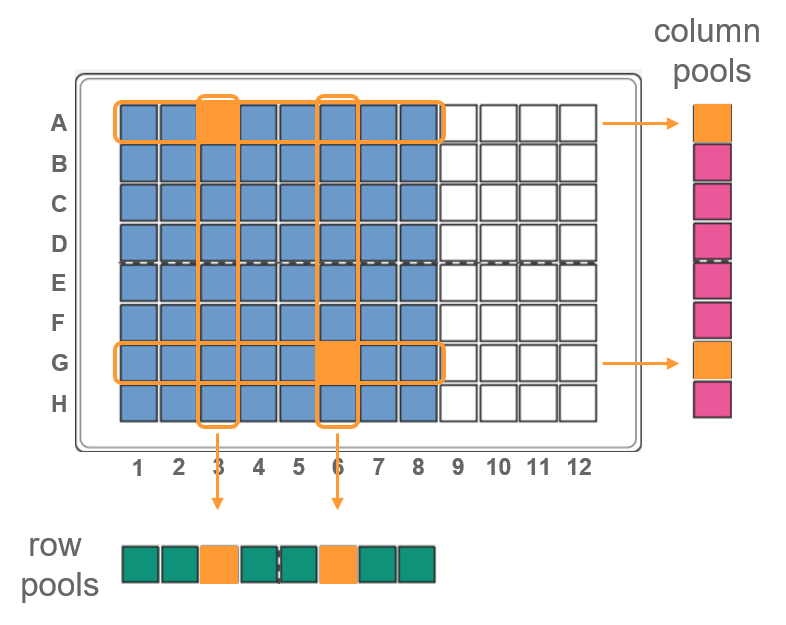
In diagnostics, sample pooling is an efficient method to increase sample testing while reducing reagent use. Traditional pool construction requires combining equal portions of specimens into one vessel. Positive sample pools trigger retesting of each individual sample in that pool. In two-way pooling1, the specimens are pooled in a grid pattern. Samples are first pooled horizontally, and then vertically. In this way each sample is tested in 2 separate pools. Positive samples will yield a positive result in 2 pools, allowing direct identification of the individual positive sample, minimizing the need for confirmatory testing. With the ASSIST PLUS pipetting robot, the whole pooling process – including transferring samples from individual tubes to plates and the pooling steps – can be automated to eliminate any source of error.
-
Table of contents
In diagnostics, sample pooling is an efficient method to increase sample testing while reducing reagent use. Traditional pool construction requires combining equal portions of specimens into one vessel. Positive sample pools trigger retesting of each individual sample in that pool. In two-way pooling1, the specimens are pooled in a grid pattern. Samples are first pooled horizontally, and then vertically. In this way each sample is tested in 2 separate pools. Positive samples will yield a positive result in 2 pools, allowing direct identification of the individual positive sample, minimizing the need for confirmatory testing. With the ASSIST PLUS pipetting robot, the whole pooling process – including transferring samples from individual tubes to plates and the pooling steps – can be automated to eliminate any source of error.
Key benefits
Overview: How to automate sample pooling
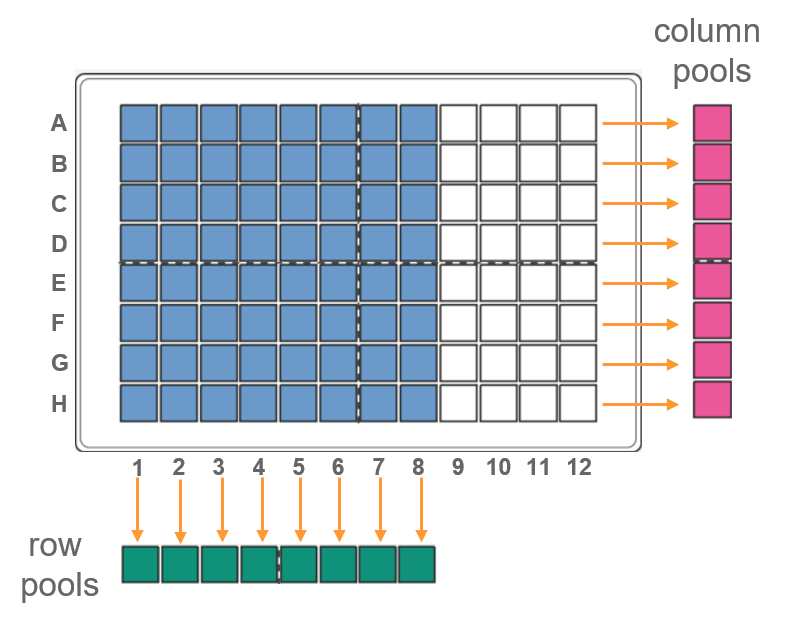
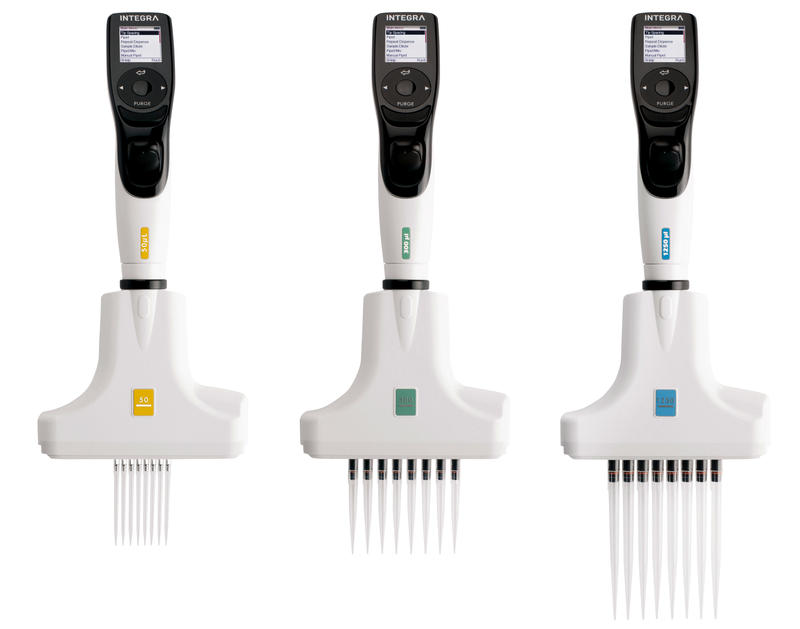
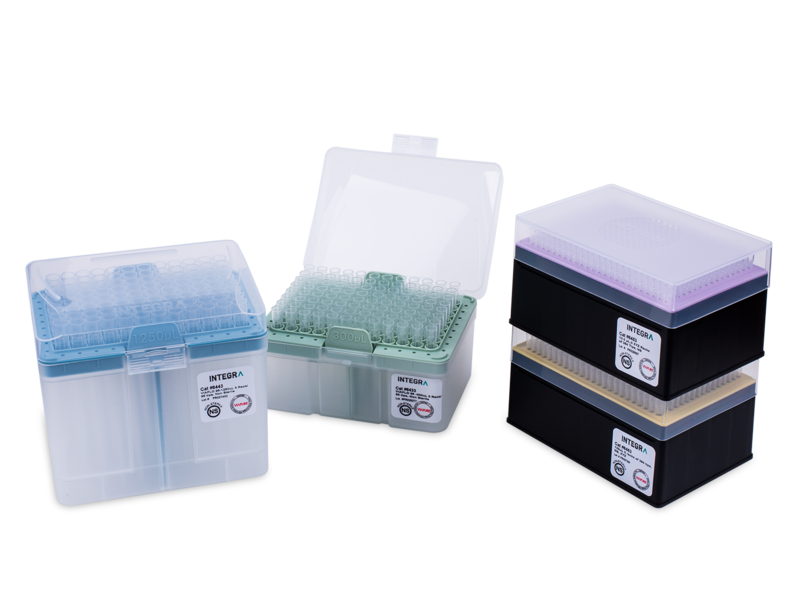
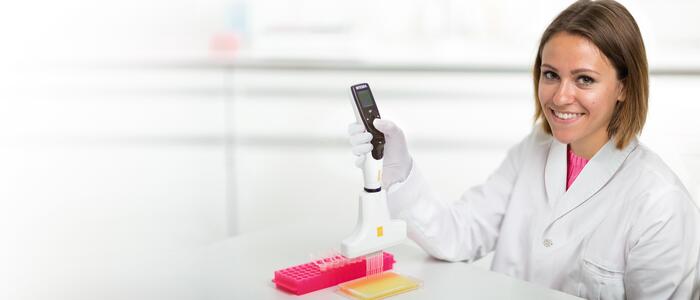
2 sets of 8 pools are constructed from 64 samples (Figure 1). The ASSIST PLUS is equipped with a VOYAGER 8 channel 1250 μl electronic pipette using 1250 μl Sterile, Filter GRIPTIPS®. Samples may consist of respiratory specimens, urine, serum, or other uniform liquid. Depending on the sample type, the pipetting speed might need to be adapted, or other types of tips should be used (e.g. wide bore).
Prior to pool construction, samples are transferred from specimen collection tubes (2.0 ml cryogenic vials) into a deep well plate, while maintaining appropriate sample identification practices.
The protocol is divided into three parts:
- Program 1: Transfer samples from cryogenic vials to a 96 deep well plate (Tube_to_plate_transfer).
- Program 2: Column pools – Construct 8 pools from 64 samples in columns 1-8 (Column_pools).
- Program 3: Row pools – Construct 8 pools from 64 samples in rows A-H (Row_pools).
Downloads: App note, protocols and reports for automated two-way sample pooling with the ASSIST PLUS
Here you can download the complete protocols and reports used in this application and use them on your ASSIST PLUS. The protocol can be customized with the VIALAB software.
Experimental set-up: Program 1
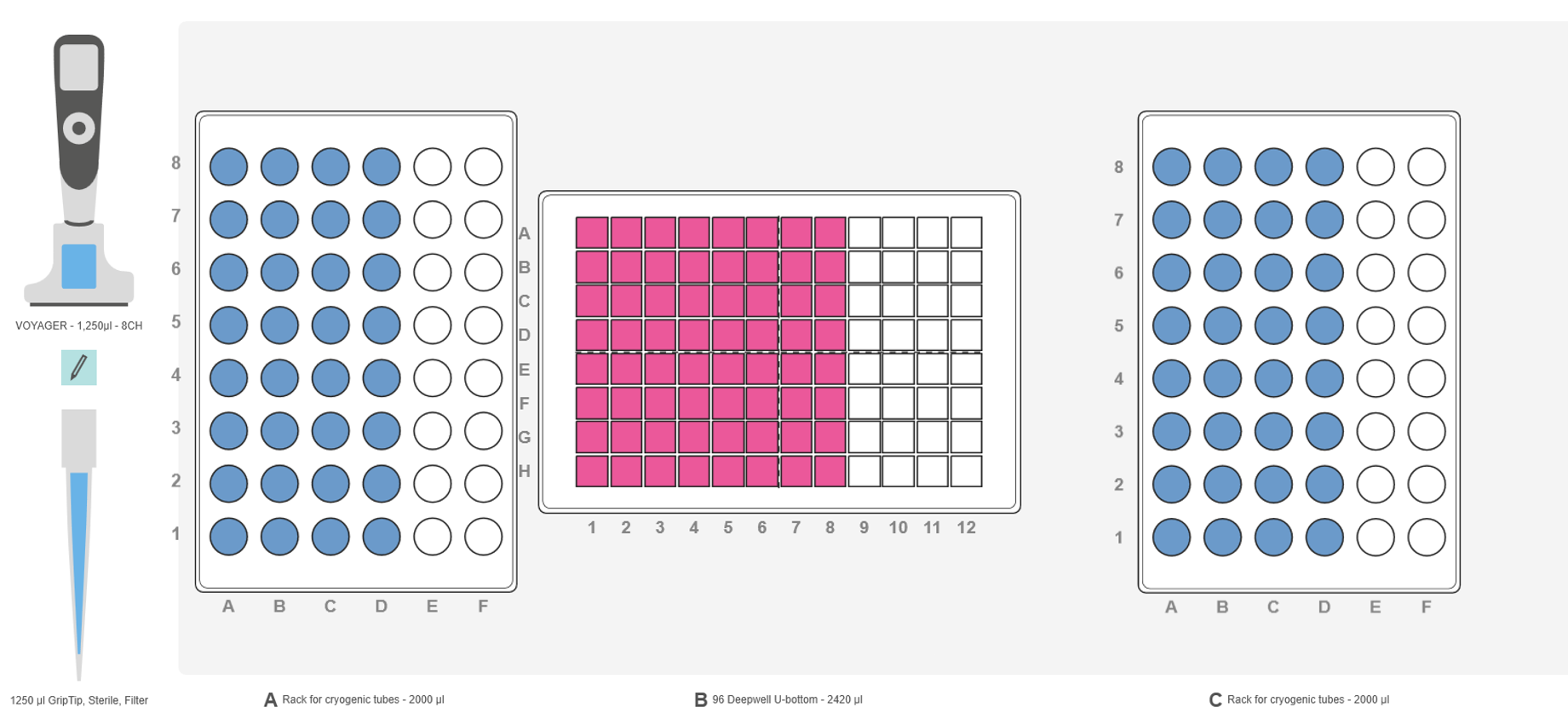
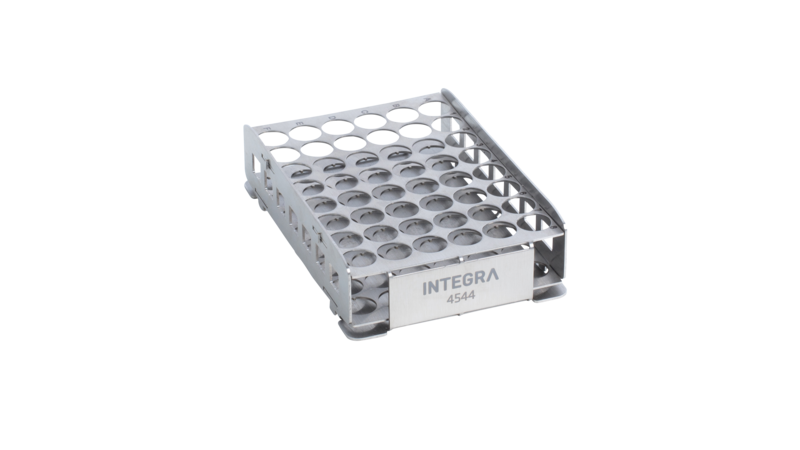
| Deck position A: | INTEGRA rack for cryogenic vials containing 32 samples (1-32, Figure 2, blue). |
| Deck position B: | Empty 96 deep well V-bottom plate (Greiner Bio-One, Figure 2, pink). |
| Deck position C: | INTEGRA rack for cryogenic vials containing 32 samples (33-64, Figure 2, blue). |
1. Transfer samples from cryogenic vials to a 96 deep well plate
Transferring 1000 μl samples from cryogenic vials to a 96 deep well plate
Load two INTEGRA racks for cryogenic vials on to deck positions A and C, with 32 samples in each. Place an empty 96 deep well plate in landscape orientation on deck position B (Figure 2). Select and run the VIALAB program 'Tube_to_plate_transfer' on the VOYAGER pipette. The pipette transfers 1000 μl of each sample from the cryogenic tubes to the deep well plate. High accuracy and precision are ensured with 25 μl pre- and post-dispense. The tip travel function is used for both aspiration and dispensing to prevent contamination. The pipette tip does not go to the bottom of the tubes and plate, but is only immersed a few mm below the liquid surface, and moves the set distance down during aspiration and dispense to avoid contamination.
Tips:
- A 25 μl air gap has been added at the end of the aspiration to prevent cross-contamination risk. For the same purpose, the racks with the cryogenic vials are placed on decks A and C, minimizing the travelling of the pipette tips containing the samples above other samples.
- The pipetting speed is easy to set in the VIALAB program, with options from 1 till 10. This has to be adjusted based on the sample type (e.g. viscous sample should be pipetted slower).
Experimental set-up: Program 2
| Deck position A: | Empty. |
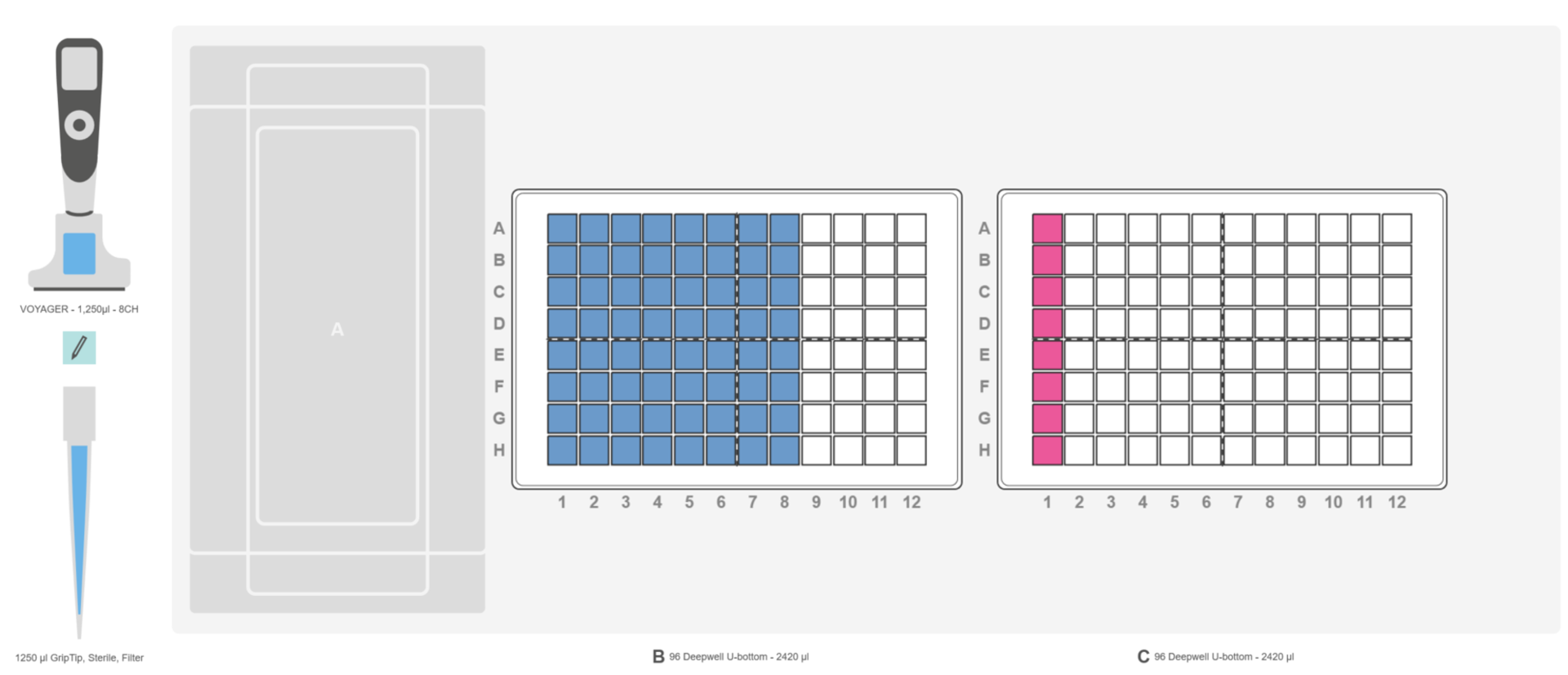
| Deck position B: | 96 deep well V-bottom plate containing 64 samples (Figure 3, blue) in landscape orientation. |
| Deck position C: | Empty 96 deep well V-bottom plate. |
2. Column pools
Transfer the samples to create the column pools
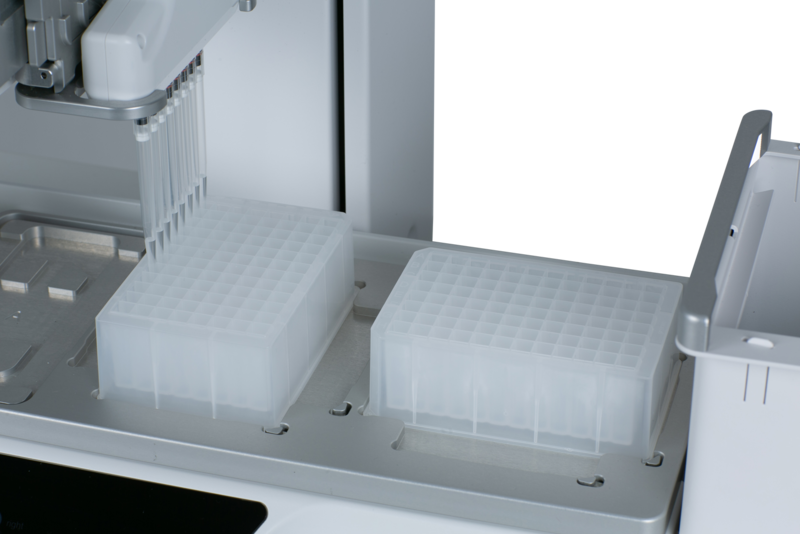
Place the sample plate with saliva samples in wells A1-H8 in landscape orientation on deck position B, and an empty 2 ml deep well plate in landscape orientation on to deck position C. Select the program 'Column_pools' on the VOYAGER pipette and press run. The ASSIST PLUS immediately starts to transfer the samples from columns 1-8, creating the pools in wells A1-H1 in the pooling plate. The pools are mixed well following the last sample addition. Once the mixing step is complete, the VIALAB program informs the user to turn the sample plate (deck position B) 90° clockwise to portrait orientation.
Tip:
- The pooling programs are set to pool 100 μl of sample from the source plate. This volume may be adjusted to suit individual needs.
Experimental set-up: Program 3
| Deck position A: | Empty. |
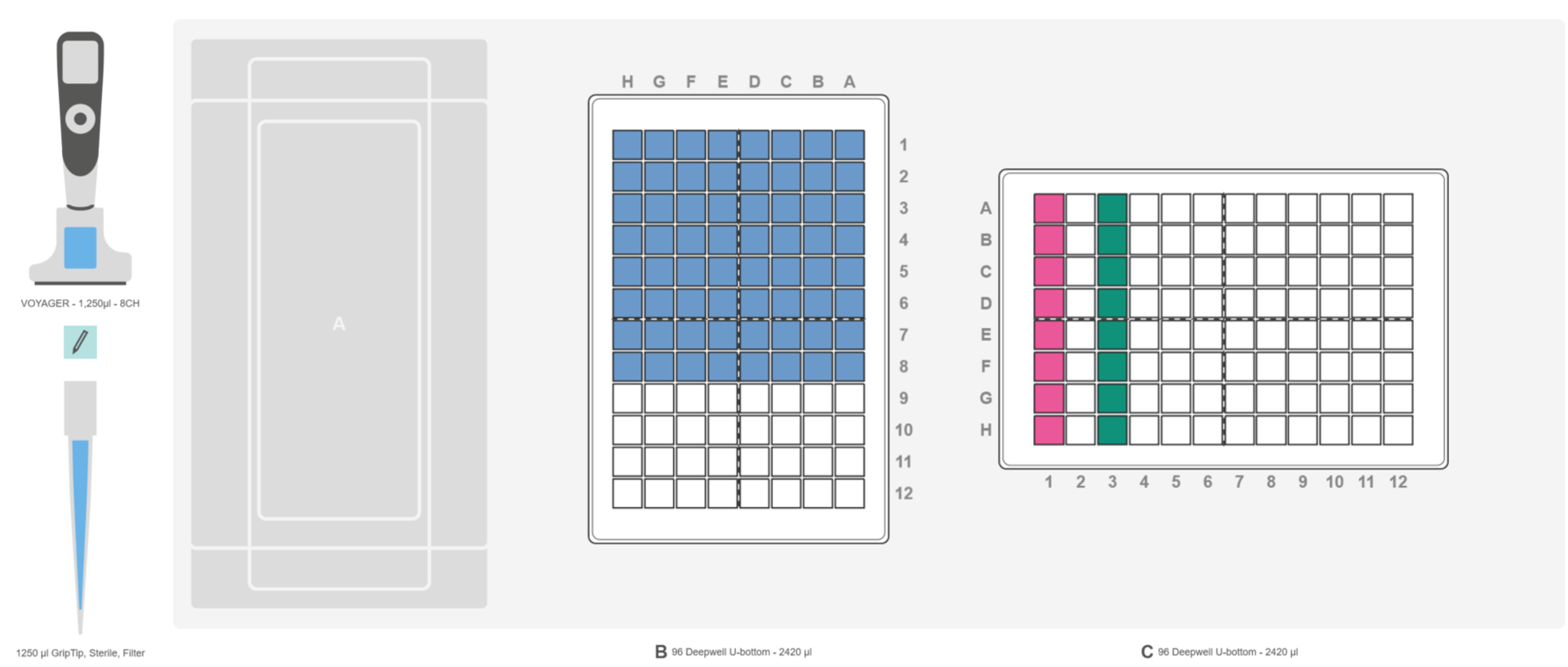
| Deck position B: | 96 deep well V-bottom plate containing 64 samples (Figure 4, blue) in portrait orientation. |
| Deck position C: | 96 deep well V-bottom plate. |
3. Row pools
Transfer the samples to construct the row pools
Select and run the program 'Row_pools' on the VOYAGER pipette. The ASSIST PLUS immediately starts to transfer the samples from columns A-H, creating the pools in wells A3-H3 in the pooling plate (Figure 5). The pools are mixed well following the last sample addition.
An example for the result of two-way pooling can be seen in the Appendix (Figure 6).
Remarks
-
Sample pools may immediately be used for downstream methods, such as nucleic acid extraction or ELISA.
- The deep well sample plate may be sealed with a sealer, and stored for confirmatory testing.
VIALAB software:
The VIALAB programs can be easily adapted to your specific labware and protocols, for instance when partial plates are needed.
Appendix
Conclusion
Related articles
Further reading:
Ask our expert. Leave a comment!
Write us if you have any questions regarding the application note or one of our instruments.
Any questions? I'm happy to help!
Instruments and accessories
ASSIST PLUS, Pipetting Robot
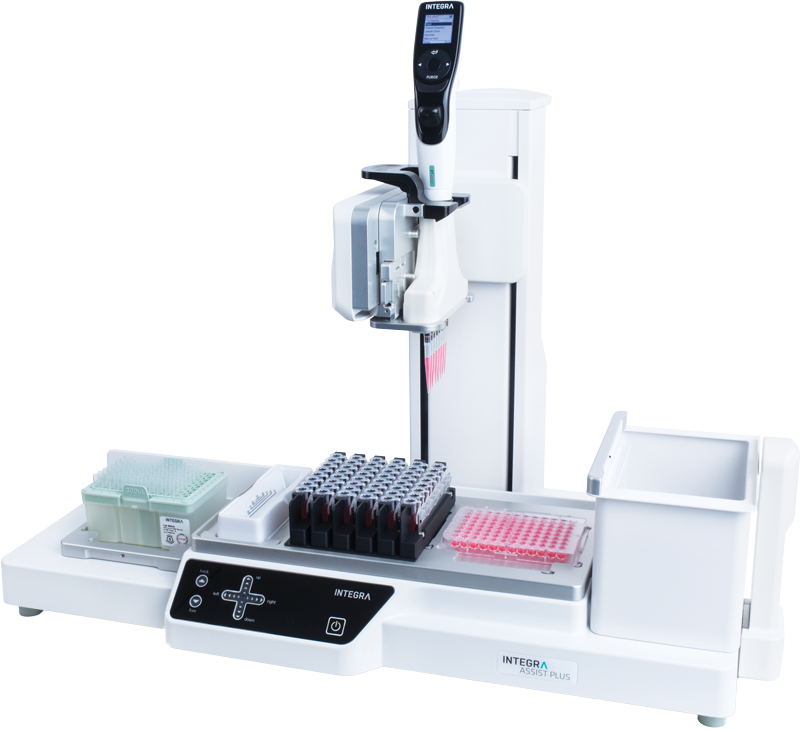
INTEGRA has developed the ASSIST PLUS pipetting robot to streamline routine pipetting tasks at an affordable price. Using INTEGRA electronic multichannel pipettes, the system:
- automates pipetting tasks,
- eliminates physical strain and
- ensures superior reproducibility and
- error free pipetting.
Part No. 4505
Downloads
Download App Note as PDF
DownloadEfficient two-way sample pooling automated with the ASSIST PLUS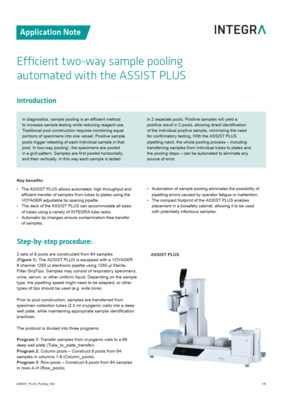
Customer’s voice
The Assist Plus is remarkably easy to use even by an inexperienced person. The software is well arranged and everything can be simulated before transferring to the pipette. I have now used it for few months and it has made a huge difference in accuracy and repeatability of our pipetting, not to mention saving a lot of time, every time.
Related products
Applications
Show all-
Automated DNA extraction protocol to effortlessly isolate gDNA from blood
-
End-to-end Twist library preparation protocol for NGS workflow automation
-
A simple and streamlined workflow for membrane protein isolation
-
Streamlining single-cell sequencing with the Flex Apex workflow using automated liquid handling solutions
Stories
Show all-
 · Product News
Take the pain out of PCR – strategies for straightforward set-up
-
 · Company News
Streamlining CRISPR workflows, from editing to analysis
-
 · Customer Testimonial
Enhancing the consistency of ag-tech R&D processes with the ASSIST PLUS pipetting robot
-
 · Product News
Magnetic beads represent a modern approach to gDNA isolation